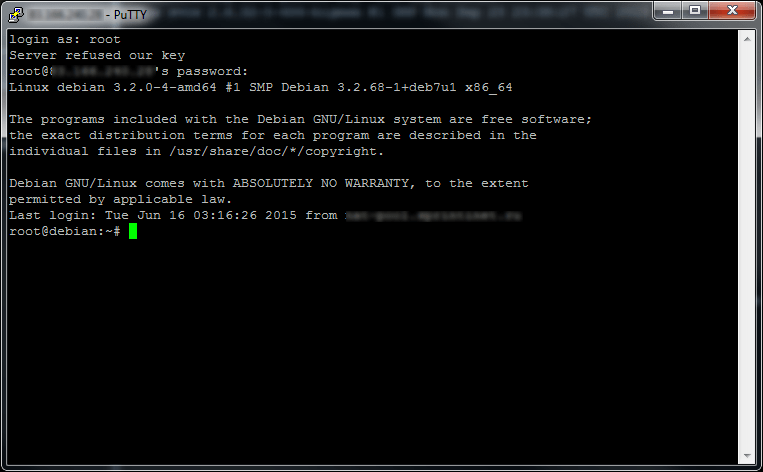
To remotely manage a VPS running a Linux-family OS, you need to use any SSH client, such as PuTTY.
Download the application from the official site https://putty.org
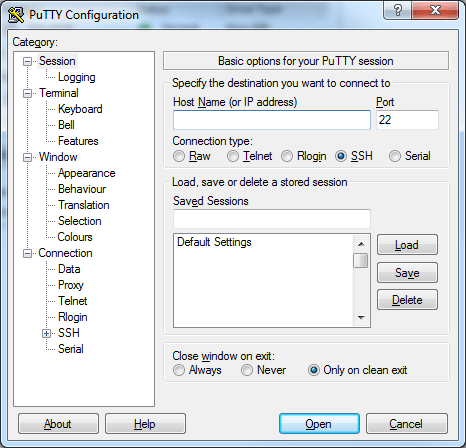
Launch PuTTY, and in the window that appears, in the «Host Name (or IP address)» field, enter your VDS’s IP address, then click the «Open» button:
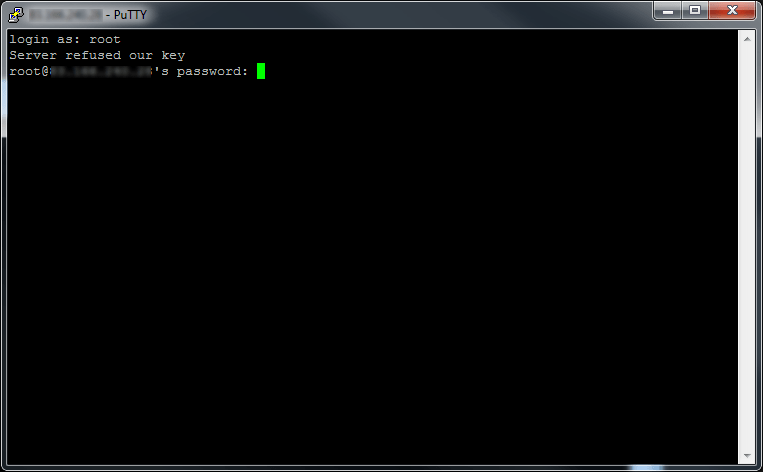
The SSH console for your VPS will then open, where you need to enter your username and password:
If authorization is successful, you’ll get a management console for your VPS: