
Using this feature, you can set up the following Telegram notifications:
– notification of a new invoice from the administration;
– reminder about an unpaid invoice;
– reminder that the paid period is ending;
– notification that an order has been suspended;
– warning that an overdue order will soon be deleted;
– notification of new tickets and ticket replies;
To set up notifications, follow these steps:
Step 1. Log in to your personal account.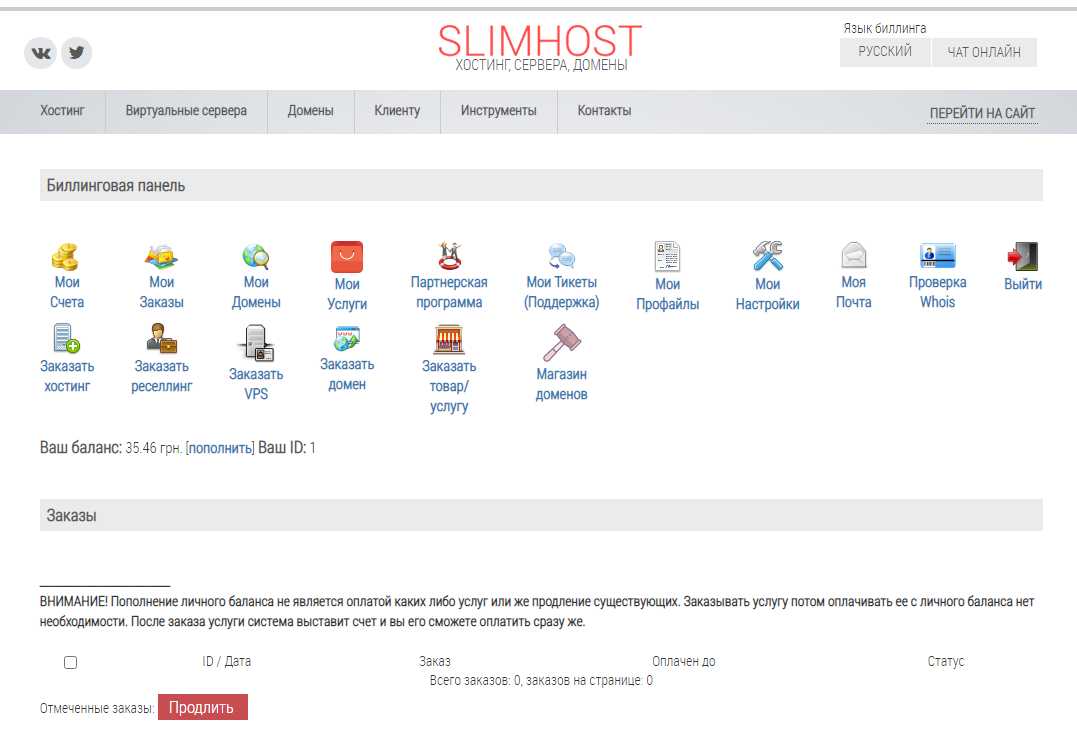
Step 2. Go to My Settings.
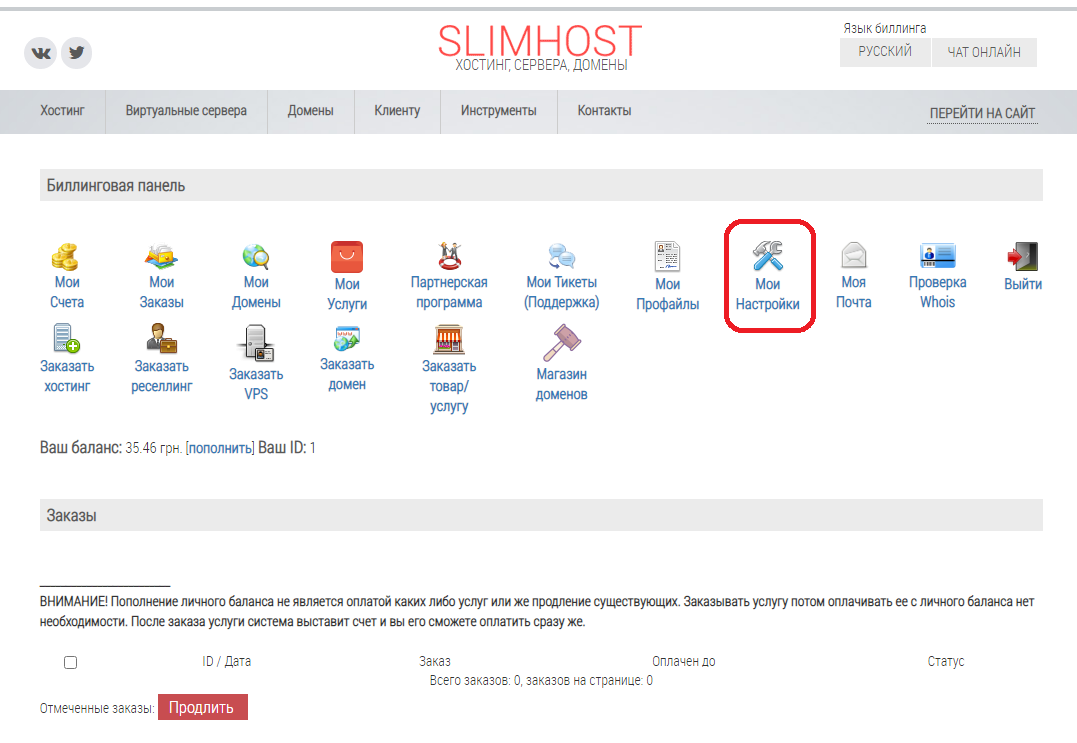
Step 3. Click “Add Telegram”.

Step 4. Follow the instructions that appear at the top of the window (the code to send to the bot will be unique to you).

Once you’ve completed these steps, you’ll start receiving notifications in Telegram.